> For the complete documentation index, see [llms.txt](https://docs.babydogeswap.com/babydoge-docs-1/llms.txt). Markdown versions of documentation pages are available by appending `.md` to page URLs; this page is available as [Markdown](https://docs.babydogeswap.com/babydoge-docs-1/products/chess/how-to-connect-your-wallet.md).
# How to Connect Your Wallet
Connecting your wallet on Baby Doge Chess
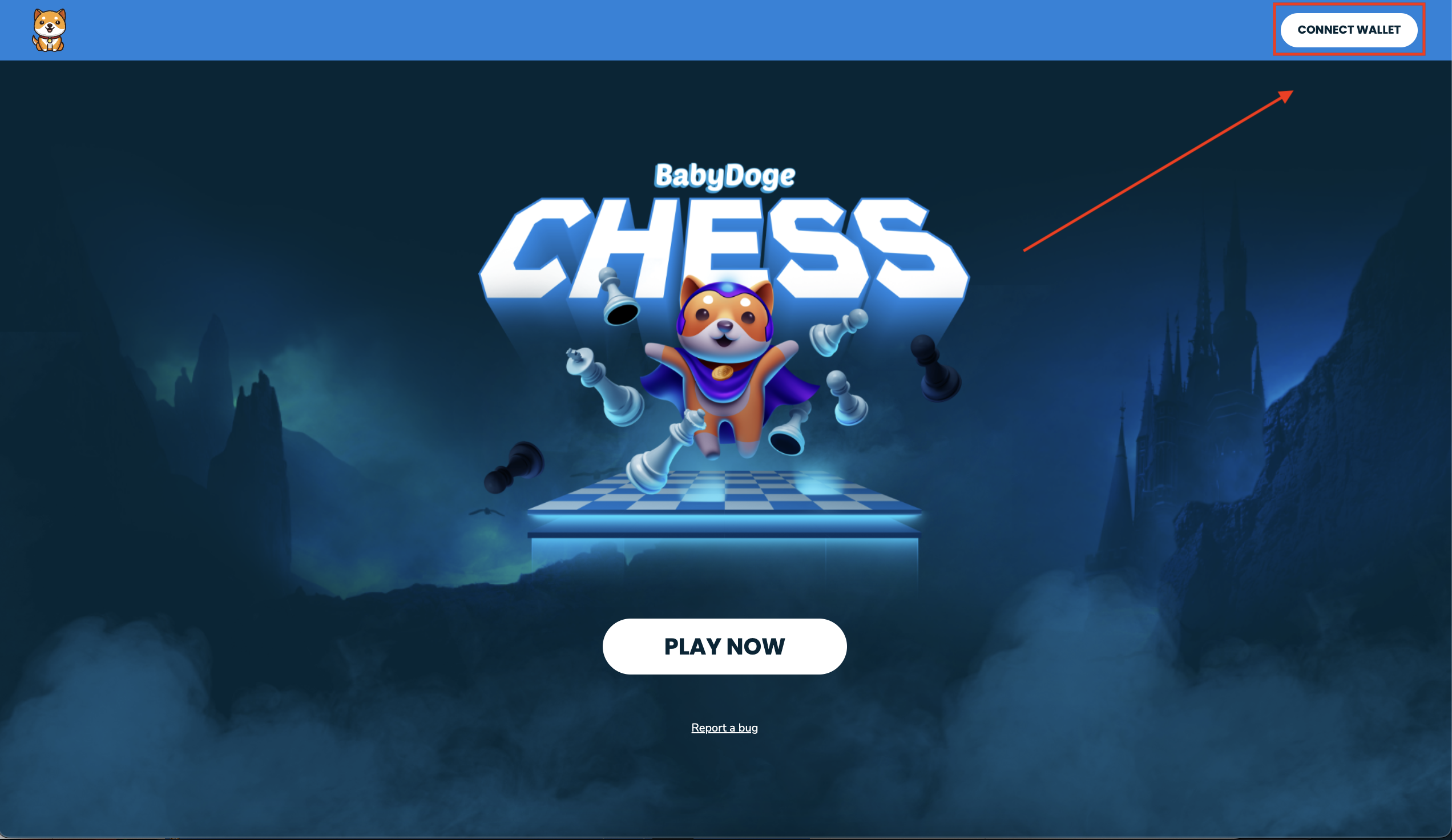 1.) Find and click the "Connect Wallet" button

2.) Select your preferred way to connect; We support MetaMask and WalletConnect!\
*NOTE: At this point in time the DApp is only available on testnet. Be sure the wallet you are trying to connect with supports and/or is configured with BSC testnet.*
3.) Confirm the connection in your wallet and you're done!
Next step is to deposit funds into your account. Learn more below.\
\
*We have configured a testnet BabyDoge token and have provided a link the BSC testnet faucet for your convenience, get setup in a few minutes!*