> For the complete documentation index, see [llms.txt](https://docs.babydogeswap.com/babydoge-docs-1/llms.txt). Markdown versions of documentation pages are available by appending `.md` to page URLs; this page is available as [Markdown](https://docs.babydogeswap.com/babydoge-docs-1/products/chess/how-to-deposit-withdraw.md).
# How to Deposit/Withdraw
Prerequisite(s)
Before doing a deposit/withdraw you will need to connect your wallet.
{% content-ref url="/pages/6tRfyNNAmcC0krkbLLut" %}
[How to Connect Your Wallet](/babydoge-docs-1/products/chess/how-to-connect-your-wallet.md)
{% endcontent-ref %}
***
### How to Deposit/Withdraw
1. Find and Click "Deposit"\ 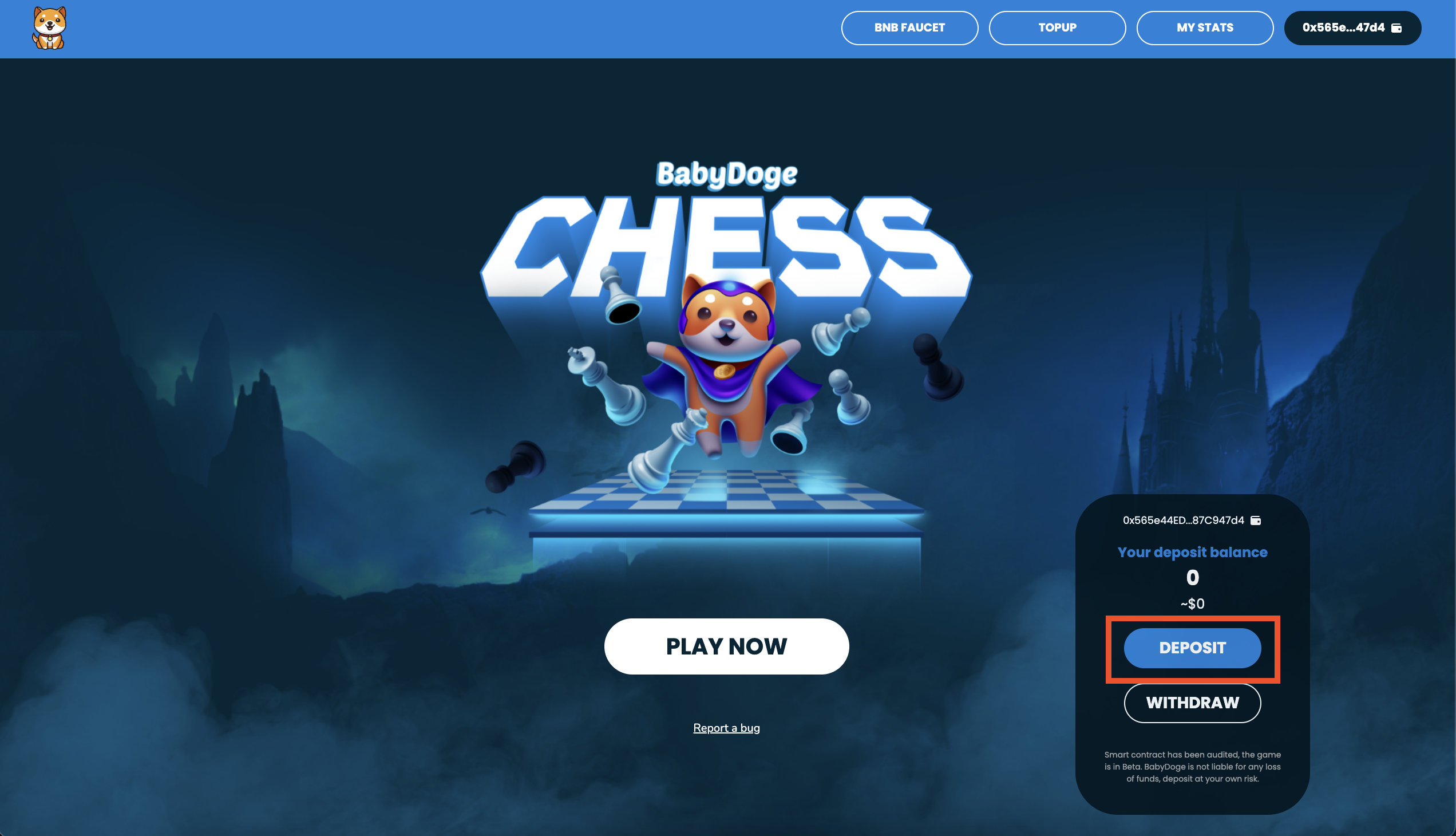
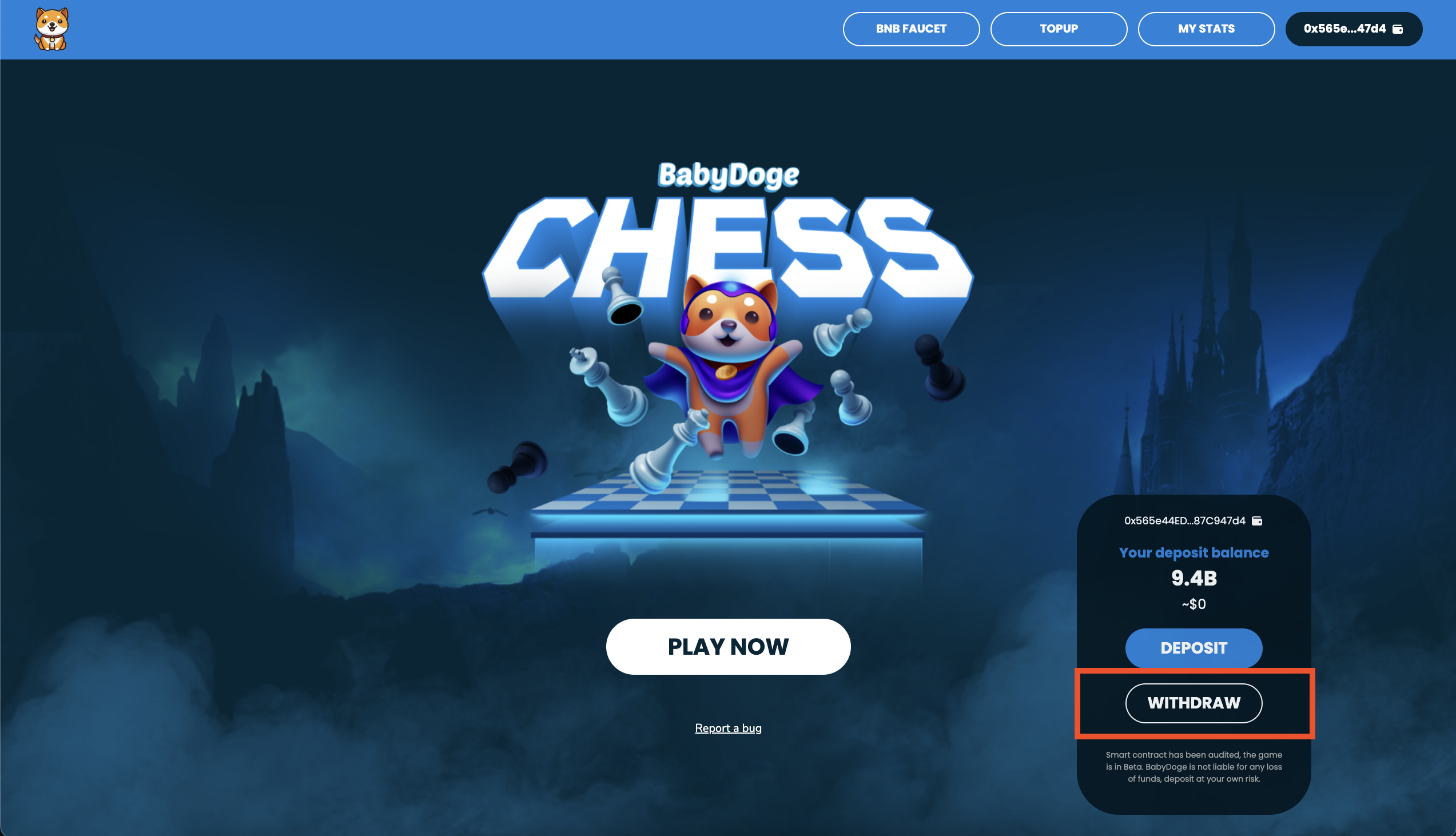
2. Enter an amount using either input or "MAX" buttons\
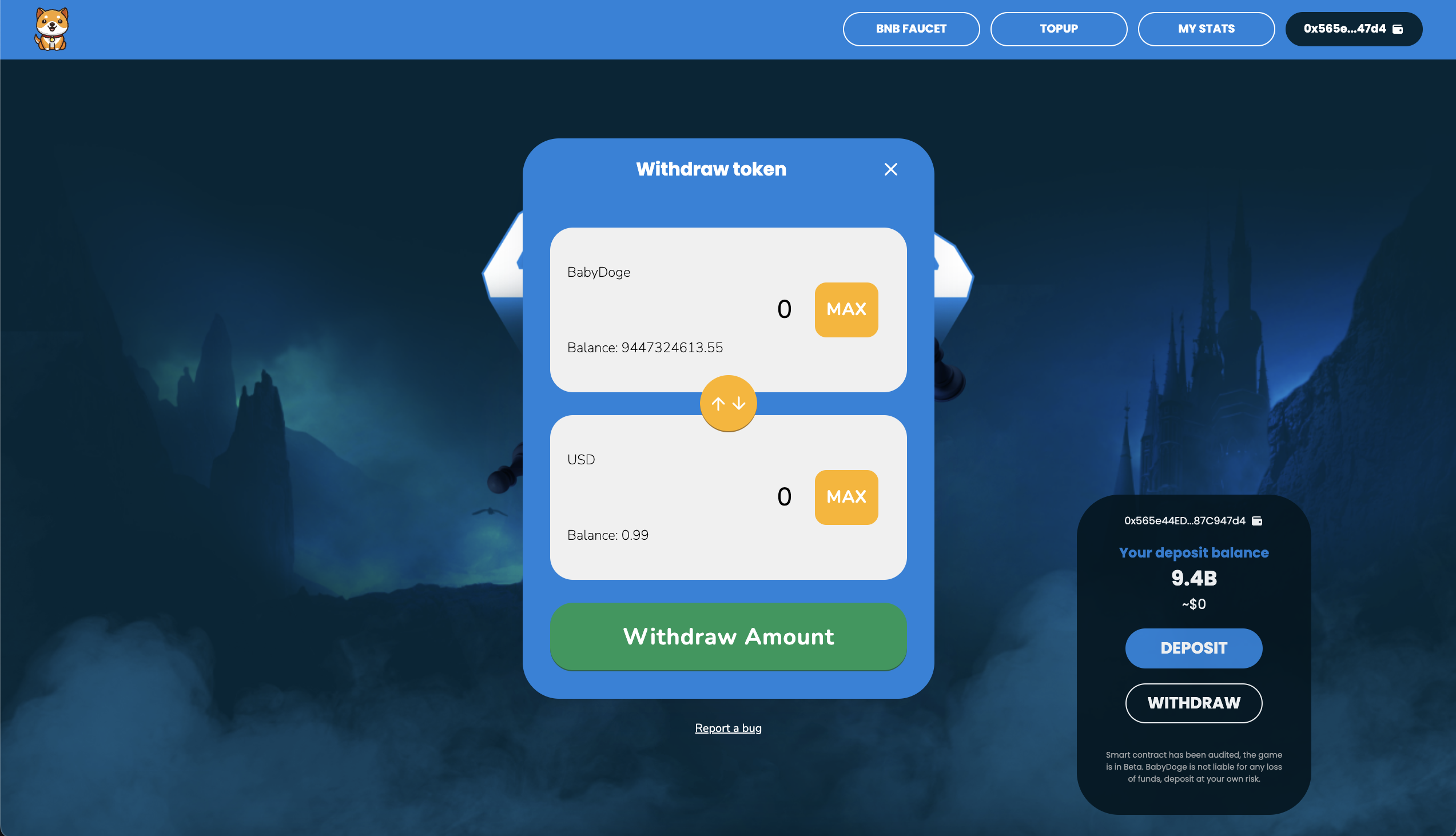 
3. Click "Approve" & confirm the transaction, if allowance not already set
4. Click "Deposit" & confirm the transaction\

5. Wait for the transaction to complete\


3. Click "Approve" & confirm the transaction, if allowance not already set
4. Click "Deposit" & confirm the transaction\

5. Wait for the transaction to complete\
